Ledger vs Tangem: Hardware Wallet Comparison 2026
A focused comparison of Ledger Nano X and Tangem Card across security architecture, UK pricing, real-world failure modes, and the practical question of which device fits your portfolio size and risk tolerance.
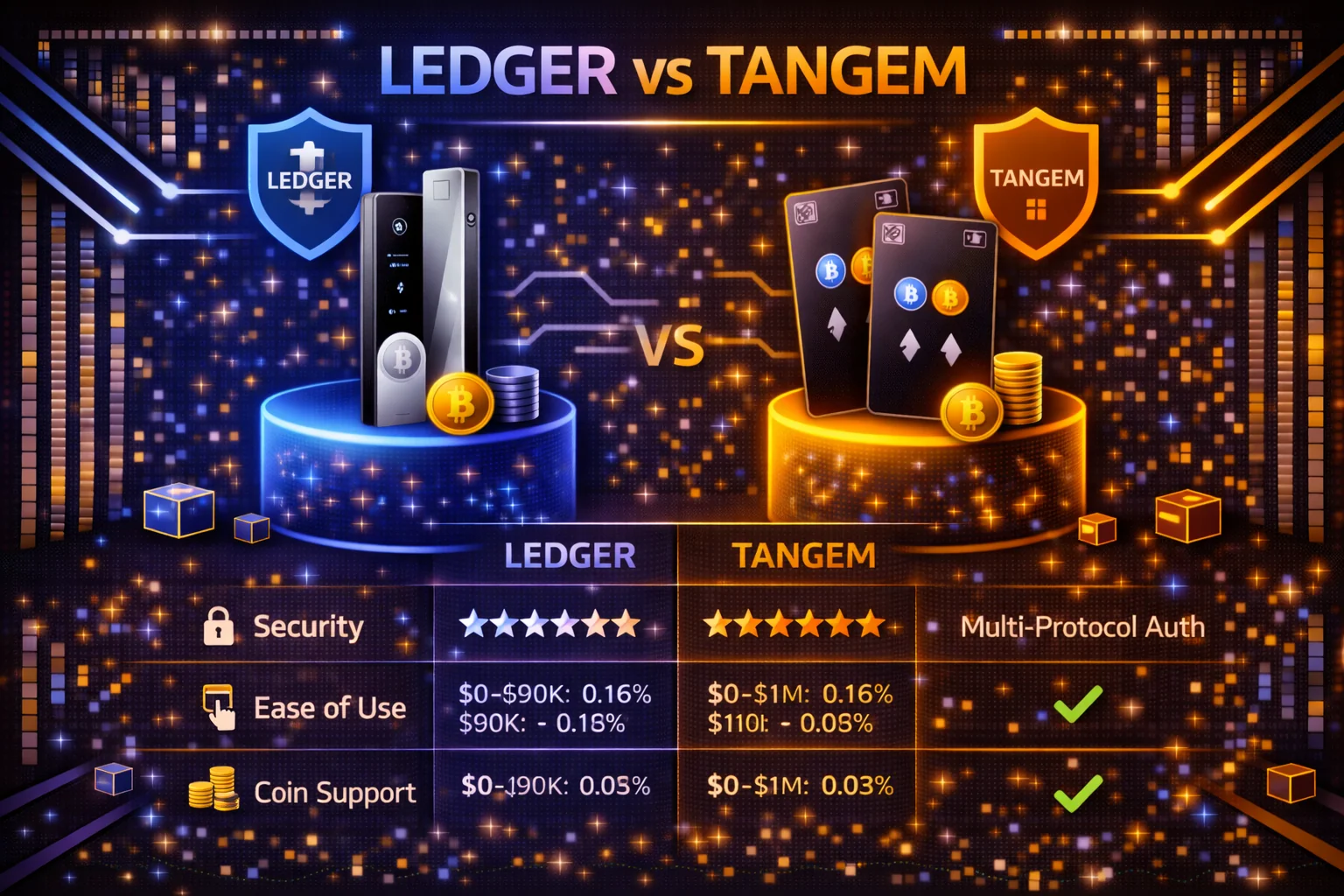
Introduction
The hardware wallet market in 2026 offers two genuinely different approaches to cold storage. Ledger represents the traditional model that has dominated since 2014: a USB device with a small screen, a 24-word recovery seed, and a comprehensive software ecosystem covering 15,000+ cryptocurrencies. Tangem represents the newer card-based approach: an NFC-enabled credit card that pairs with your smartphone, is seedless by default, and uses backup cards for recovery instead. Both keep your private keys offline and away from internet-connected devices, which is the entire point of cold storage. The differences only matter once you have already cleared that bar.
This comparison answers the practical question that most buyers actually have: which device fits your portfolio, your technical comfort level, and the failure modes you trust yourself to defend against. The full feature breakdown matters less than the honest answer to that question.
The pricing context for UK buyers in early 2026: Ledger lists the Nano S Plus at $59, the Nano X at $79 and the premium Stax at $399. It publishes no sterling list price for any of them — its shop bills UK buyers in pounds with VAT included, so the figure you pay is the one shown at checkout. Tangem sells sets rather than single cards — the 2-card starter is around £40 ($54.90) and the 3-card set is around £55 ($69.90); there is no individual backup card sold separately.
Both devices are dramatically safer than leaving funds on an exchange. The largest retail losses in the past five years came from FTX collapse, Celsius freezing withdrawals, and SIM-swap account takeovers — not from hardware wallet failures. Whichever device you pick is far less important than the act of picking one and using it.
Quick Comparison Table
| Feature | Ledger Nano X | Tangem Wallet (3-card set) |
|---|---|---|
| Form factor | USB device with OLED screen and buttons | Credit card with NFC chip |
| Setup time | 15-30 minutes | 2-3 minutes |
| Recovery model | 24-word BIP39 seed phrase | 2 backup cards (no seed) |
| Connection | USB-C, Bluetooth | NFC only (smartphone tap) |
| Mobile support | iOS and Android via Ledger Wallet | iOS and Android via Tangem app |
| Desktop support | Yes (Ledger Wallet) | No |
| Supported assets | 15,000+ tokens, 100+ networks | ~16,000 tokens, 87+ networks |
| DeFi integration | Extensive (WalletConnect, MetaMask, Ledger Wallet) | WalletConnect only |
| Native staking | 15+ proof-of-stake networks | SOL, TRX, POL, BNB, ATOM, TON, ADA |
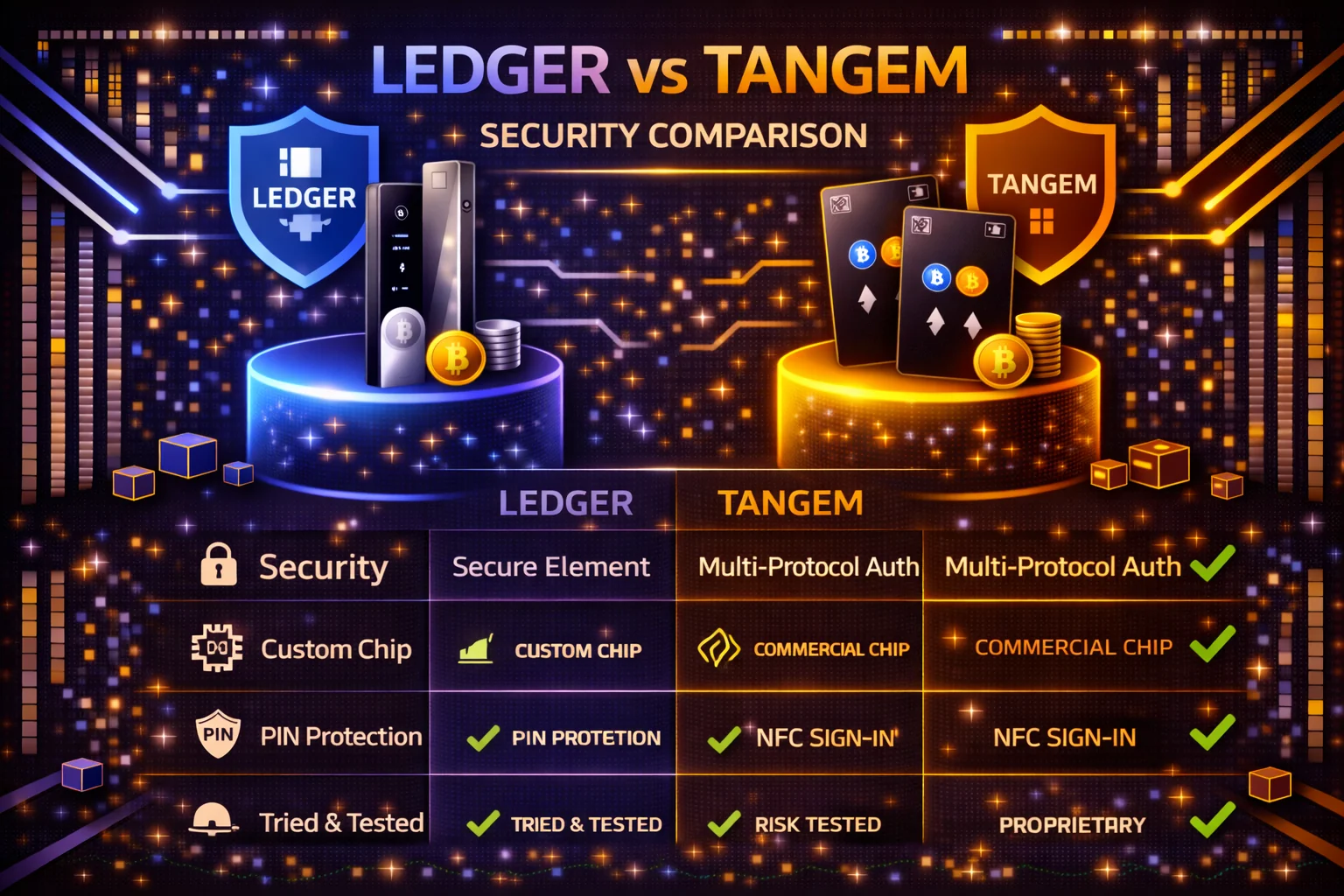
| Secure element | ST33 (CC EAL5+) | Samsung SE (CC EAL6+) |
| Open source | Apps open, firmware closed | Firmware audited, not open source |
| Battery | Required for Bluetooth (100 mAh) | None (NFC powered) |
| Price | $79 (Nano X) / $59 (Nano S Plus) — pounds shown at checkout | £40 ($54.90) 2-card / £55 ($69.90) 3-card |
Ledger Nano X: Strengths and Limitations
Ledger has been the market reference for hardware wallets since 2014 and the Nano X is its most popular mainstream device (the premium Stax and Flex now sit above it in the range). A built-in screen, physical buttons, USB-C and Bluetooth, and the Ledger Wallet software together cover every realistic retail storage scenario. The honest summary: if you can only own one hardware wallet and your portfolio includes anything beyond BTC and ETH, Ledger is almost always the right answer.
Where Ledger Nano X Excels
- Cryptocurrency coverage: Ledger markets support for 15,000+ coins and tokens across 100+ blockchain networks, with regular firmware updates adding new chains and protocol upgrades.
- DeFi integration: Direct WalletConnect support and MetaMask hardware-wallet pairing — the dApp session runs in MetaMask while every transaction is signed on the Ledger itself — make it the de facto standard for active DeFi users on Ethereum, Arbitrum, Optimism and Solana.
- Native staking: Built-in staking for 15+ proof-of-stake assets (ETH, ADA, SOL, DOT, ATOM, NEAR, and more) directly through Ledger Wallet with real-time yield tracking.
- Recovery portability: The standard 24-word BIP39 seed phrase is recoverable on any compatible wallet (Trezor, Keystone, Coldcard, MetaMask, software wallets) — your funds are not tied to Ledger as a company.
- On-device verification: The OLED screen lets you read the recipient address on the device itself before signing, blocking clipboard-replacement attacks that would otherwise drain a software wallet.
- Bluetooth for mobile: Wireless pairing with iOS and Android lets you use Ledger Wallet on the phone without carrying a USB cable.
- Mature security audit history: Ten years of independent security research, bug bounty payouts and public CVE disclosures give it the most thoroughly tested attack surface in the consumer hardware wallet market.
Where Ledger Nano X Falls Short
- Seed phrase storage burden: The 24-word recovery phrase is the single point of failure. Lose it, and your funds are unrecoverable. Expose it, and your funds can be stolen remotely. Securing it properly (metal plate, fireproof safe, geographically distributed copies) takes effort and additional cost most beginners skip.
- Setup complexity: The full first-time setup takes 15-30 minutes including PIN configuration, seed phrase generation and verification, and installing the apps for each cryptocurrency you intend to hold. New users frequently make mistakes here that compromise security from day one.
- Closed-source firmware: Although Ledger publishes the open-source apps that run on top of the device, the underlying BOLOS firmware remains proprietary. This is a frequent point of community criticism and the reason some security-focused holders prefer Trezor or Keystone instead.
- 2020 customer database breach: Although the breach did not compromise device security or fund custody, it did expose customer email addresses, names, and physical addresses. The data continues to circulate in phishing campaigns aimed at Ledger customers four years later.
- Total cost rather than sticker price: On the sticker the two are close. The Nano X is $79 against $69.90 for a Tangem 3-card set, about 13% more, and the $59 Nano S Plus actually undercuts that set. The trade is Bluetooth: the Nano S Plus has none and is USB-C only. The gap opens after the purchase: a Ledger seed phrase needs a metal backup plate to survive fire, flood or a house move, which adds £60-125 that a Tangem set never incurs because the spare cards are the backup.
- Battery dependency on Bluetooth: The Bluetooth feature on the Nano X requires the internal battery to function. The battery is small (100 mAh) but adds a long-term failure mode that the older Nano S Plus avoids entirely by being USB-only.
Tangem Wallet: Strengths and Limitations
Tangem launched in 2017 with a fundamentally different design philosophy: eliminate the seed phrase entirely and replace it with multiple physical cards that act as both wallet and backup. The card-based approach removes the largest source of beginner mistakes (mishandled seed phrases) but introduces a different failure mode (lost or damaged cards). The honest summary: if your portfolio is mostly BTC and ETH, you primarily use a smartphone, and you find the idea of writing down 24 words intimidating, Tangem is probably the right answer for you.
Where Tangem Excels
- No seed phrase to manage: The private key is generated on-card by the secure element using true random number generation and never leaves the chip. There is nothing to write down, photograph, or type into a phishing site by accident.
- Two-minute setup: Download the Tangem app, tap the primary card to your phone, pair the backup cards, set an access code, and you are done — 2-3 minutes, with no desktop software, no cables, and no technical knowledge.
- Credit-card form factor: The card fits in any wallet and weighs nothing. An IP69K waterproof and pressure-resistant rating, an operating temperature range from -25°C to +50°C, and no internal battery mean there is nothing mechanical to fail across a rated life of 25 years or more.
- Tap-to-sign UX: Daily transactions feel like contactless payments — tap, confirm on the phone screen, done. No menus to navigate, no button sequences, and no software to update beyond the Tangem app itself.
- Backup included in the box: The 3-card starter set at around £55 ($69.90) sits only modestly under a Nano X on the sticker ($79); the difference is that Tangem's redundancy comes in the box, while a Ledger needs a metal seed plate bought separately.
- CC EAL6+ secure element: Tangem uses a Samsung secure element from the same family used in payment cards and biometric passports, certified one tier higher than Ledger's ST33 chip on the Common Criteria scale (EAL6+ versus EAL5+).
Where Tangem Falls Short
- WalletConnect-only DeFi: Tangem's only route to dApps is WalletConnect, which covers most of the registry, but the experience is less polished than Ledger Wallet with MetaMask, and active DeFi users will find Tangem frustrating beyond simple swap operations.
- Mobile-only: There is no desktop application for Tangem. If you prefer to manage your portfolio from a laptop or use desktop-only DeFi tools, this is a hard limit; some users adapt by running the app on a tablet or a dedicated phone.
- Narrower third-party ecosystem: Tangem's native app lists around 16,000 tokens against Ledger's 15,000+, so the headline count does not separate them — if anything Tangem's is the larger. The real gap is integration depth: Ledger plugs into hundreds of third-party wallets and dApps covering the long tail of obscure altcoins and newer DeFi tokens, so on Tangem you hit "not supported" limits more often.
- No on-device screen: Address verification happens on your phone, not on the card, which makes clipboard-replacement attacks slightly easier than on Ledger — though the Tangem app mitigates with fixed-position address display and explicit confirmation prompts.
- Recovery tied to backup cards: In the default seedless mode, lose all your cards (primary plus all backups) and the funds are permanently unrecoverable — the backup cards are the only recovery path. Since Wallet 2.0 (2023) Tangem does offer an optional 12/24-word BIP39 seed phrase you can create or import at setup, which adds a mnemonic fallback at the cost of the seedless simplicity. Either way the defence is to order the 3-card set rather than the 2-card.
- Newer technology with shorter audit history: Tangem has been on the market since 2017, against Ledger's 2014. The audit history is solid but less extensive, and third-party researchers have spent fewer hours stress-testing the device.
Security Architecture in Practice
At the cryptographic level, both wallets are excellent and the differences are largely academic for retail users. What actually matters is how each device fails — both intentionally (resistance to attack) and accidentally (resistance to user mistakes). Understanding the failure modes is the right framing for the security comparison, not the chip certification numbers.
Ledger Security Implementation
Ledger devices use a dual-chip architecture: the ST33 secure element (CC EAL5+ certified) handles all cryptographic operations and stores private keys, while a separate STM32 microcontroller manages the screen, buttons and host communication. The split matters because the secure element never touches the internet-connected world — compromise the microcontroller through a malicious USB connection and the keys stay isolated inside the secure element.
The custom BOLOS operating system enforces strict isolation between cryptocurrency apps: each runs in its own sandbox and cannot read another app's data. Firmware updates are cryptographically signed by Ledger and verified by the device before installation, so a malicious firmware push from a compromised network is rejected. PIN protection wipes and factory-resets the device after three consecutive wrong PINs — there is no escalating inter-attempt delay, just the three-strikes reset.
The closed-source firmware means independent verification of BOLOS requires reverse engineering rather than source code review. The 2020 Ledger customer data breach exposed contact information for around 270,000 customers, and that data continues to surface in targeted phishing aimed at Ledger users — attackers know the real names and addresses of people who confirmed they own a hardware wallet.
The most common attack vector now is a fake "Ledger Wallet" email that asks the user to enter their seed phrase to verify their identity. The defence is simple: Ledger never asks for the seed phrase, ever, so any email or page that requests it is a phishing attempt regardless of how legitimate it looks.
Tangem Security Model
Tangem takes a structurally different approach. The Samsung CC EAL6+ secure element generates the private key directly on the card during the first activation, using on-chip true random number generation. The key never exists outside the chip and never crosses the NFC interface in plaintext, and no known attack reads it out directly — though in July 2026 Ledger's Donjon lab disclosed a laboratory-grade laser fault-injection that resets a Tangem card's access code (physical possession, roughly $250,000 of equipment, about two hours per card and visible physical damage — not a remote or scalable threat), which retires any claim that a card in an attacker's hands is untouchable.
The card has no operating system in the conventional sense — it runs a small set of cryptographic primitives in firmware that has been audited by Kudelski Security and Riscure.
Instead of a seed phrase, Tangem creates the private key on the primary card and copies it to one or two backup cards during the initial pairing. After pairing the cards are independent — lose one and recover from another — but the keys live only on the secure elements of the cards you physically possess, so there is no seed phrase to compromise.
The trade-off is that recovery is bound to the physical cards: in seedless mode there is no mnemonic to transcribe onto metal and store independently of any device, so if your house burns down with all three cards in it the funds are permanently gone. The defence is geographic distribution — one at home, one with family, one in a safe deposit box.
Tangem cards have no on-device screen, so transaction details (recipient address, amount, network) are displayed only on your smartphone. Clipboard-replacement malware could in principle alter the address shown on the phone before you confirm, although the Tangem app includes anti-tampering checks designed to detect this. Verifying the first 4 and last 4 characters against an independent source is a good habit on either device.
User Experience and Ecosystem
The user experience difference is the single largest factor for most buyers. A wallet that is too painful to use frequently gets used incorrectly, which is itself a security risk.
Ledger Daily Usage
Ledger Wallet is the desktop and mobile application that handles portfolio tracking, staking and swaps. The interface is comprehensive but dense — accounts, assets, market, swap, buy, sell, Earn (staking), NFTs and Discover, each with their own settings (lending is no longer a first-class section — it now lives inside Discover dApps such as Morpho). New users typically need 30-60 minutes to feel comfortable with the layout, after which multi-asset rebalancing or staking across several networks in one session is efficient.
Daily usage means connecting the device (USB-C to a computer or Bluetooth to a phone), entering the PIN on the device buttons, opening the relevant cryptocurrency app, and confirming each transaction by reading the address on the OLED screen and pressing both buttons. That takes about 60-90 seconds per transaction once you are practised. For active DeFi users, Ledger Wallet or MetaMask hardware-wallet pairing keeps the device unlocked for a session rather than re-entering the PIN each time.
Tangem Daily Usage
Tangem reduces the daily flow to its absolute minimum: open the Tangem app, hit "send" on the asset, paste the recipient address, tap your card to the phone, confirm. The total time per transaction is typically 15-30 seconds. There is no PIN to enter on the device (the access code is entered in the app itself), no menus to navigate, and no app to launch on the device because the card runs a fixed set of operations rather than separate cryptocurrency apps.
The simplicity comes at the cost of advanced features. Tangem does not have an equivalent of Ledger Wallet's portfolio analytics, so tracking total holdings across multiple assets requires either the basic balance view in the Tangem app or a separate portfolio tracker like CoinStats or Delta. Native in-app staking covers SOL, TRX, POL, BNB, ATOM, and TON, plus ADA (via a P2P.org integration); ETH is not native staking on Tangem but liquid staking routed through tokens and dApps, and the interface is simpler than Ledger Wallet's with narrower options — Tezos (XTZ), for instance, is not supported. For mainstream long-term holders this is rarely a problem; for active traders it is a frequent friction point.
Ecosystem Maturity Comparison
The ecosystem gap is the biggest functional difference between the two wallets. Ledger has been integrated by hundreds of third-party tools over a decade — MetaMask, Phantom, Electrum, MyEtherWallet, Rabby, Frame and most other software wallets accept it as a hardware signer out of the box, so a Ledger user can sign on virtually any dApp or wallet interface while keeping the keys cold. Tangem's third-party footprint is much smaller, with WalletConnect the primary bridge to external dApps.
For beginners holding BTC and ETH long-term, the ecosystem gap is irrelevant. For anyone active in DeFi, NFTs, or altcoin trading, it is the single biggest reason to choose Ledger.
Cost Analysis and UK Pricing
The headline price difference is significant, but the realistic 5-year total cost of ownership is closer than sticker prices suggest once you account for backup materials.
Ledger Total Cost of Ownership
The Ledger Nano X is $79 from ledger.com, with the pound price and UK VAT both shown at checkout. The Nano S Plus is $59 and serves the same security model without Bluetooth, which most users will find sufficient for cold storage that does not need wireless mobile signing. To use Ledger safely you should also budget around £60-125 for proper seed phrase storage — a Cryptosteel Capsule, Billfodl, or comparable metal backup is the minimum for portfolios above £1,000, and ideally two metal copies in geographically separate locations.
Total realistic first-year cost for a Nano X with proper backup: the $79 device plus £60-125 of metal seed storage, which makes the backup the larger half of the bill on most storage choices. Both are one-time purchases, so the figure stays roughly flat over the next 4-5 years. On a £5,000 portfolio that whole security stack lands between roughly 2% and 4% of holdings wherever the exchange rate sits.
Tangem Total Cost of Ownership
The Tangem 2-card starter set is £40 ($54.90) from tangem.com and the 3-card set is £55 ($69.90); Tangem sells only sealed sets (2-card, 3-card, Family Pack, Ring and Pro Kit) rather than individual backup cards, so there is no cheaper single-card add-on. The 3-card set is the practical minimum for any serious use case because it provides the geographic redundancy that two cards alone cannot. Tangem does not need a separate seed-phrase backup product because the cards themselves are the backup, which is the main reason the total cost is lower than a comparable Ledger setup. Total realistic first-year cost: £55 for the 3-card set. There are no recurring costs and no separate backup materials to buy.
On the same £5,000 portfolio, Tangem security infrastructure is around 1.1% of holdings — a quarter to a half of the comparable Ledger setup, with the spread driven by metal seed storage rather than by the devices. The saving comes from the integrated backup model, not from any compromise on security.
Warranty and Replacement Policies
The warranty terms differ sharply. Ledger provides a 12-month limited warranty against manufacturing defects (extendable to three years through the optional Ledger Replace programme), while Tangem advertises a 25-year limited hardware warranty — a reflection of the card's battery-free, moving-part-free construction.
Replacement works differently too. Ledger requires you to set up the replacement device with your existing seed phrase — the company will not issue a new seed, so secure long-term seed storage is the only path back to your funds. Tangem pairs a replacement card by tapping one of your surviving backup cards in the app, so keeping at least one intact card is the only recovery requirement. Neither warranty covers lost devices, misuse damage (cutting, drilling, extreme heat), or seed/PIN compromise — both are strict manufacturing-defect cover only.
For UK orders, VAT is charged at checkout on both manufacturer websites, so the price you agree is the price you pay with no surprise charge on delivery. A single wallet from either brand is a consignment comfortably under the £135 threshold, so it falls under the simplified low-value regime — the seller accounts for the UK VAT at the point of sale and no customs duty arises. Only a larger multi-device basket pushes the consignment past £135 and into the standard import VAT and duty rules. Shipping typically clears within a few business days for Tangem (European fulfilment from a Slovenian warehouse) and for Ledger (France).
On Amazon the picture is more nuanced than a blanket warning: Ledger runs an official storefront at amazon.co.uk/ledger listed among its authorised resellers, so buy from that store rather than assuming every Amazon result is genuine. The listings to avoid are third-party Marketplace sellers offering Ledger or Tangem devices — that is where grey-market and pre-tampered units surface.
When the Cost Difference Actually Matters
For portfolios above £10,000 the difference between the two full setups is essentially noise: under £150 whichever way the exchange rate lands, and at or under about 2% of holdings either way. For portfolios under £2,000 it is material — a £55 Tangem 3-card set is 2.75% of a £2,000 portfolio, while a Ledger setup with its metal backup runs roughly 6-10% of the same portfolio. The threshold where the difference stops mattering for most buyers is around the £5,000 portfolio mark.
Real Failure Modes for Each Device
Looking at five years of community reports and customer support tickets, the same recurring failure patterns surface for each device.
How People Actually Lose Funds on Ledger
The two dominant Ledger failure modes are seed phrase compromise and seed phrase loss. Compromise usually happens when the user types the 24 words into a phone, photographs the recovery card, stores it in a password manager that syncs to the cloud, or falls for a phishing email asking them to "verify" their seed against a fake Ledger Wallet page. Once 24 words leave the offline paper-and-metal world they are no longer cold storage.
Seed loss is the inverse problem: the user writes the 24 words on a single piece of paper, stores it in a "safe" location, and discovers years later that the paper has degraded, been lost in a house move, or been thrown out by a partner who did not know what it was. The defence is steel storage (Cryptosteel, Billfodl, or any DIY metal stamping kit) plus geographic redundancy. Treat the paper recovery card as a temporary aid for the first hour of setup, not as your long-term backup.
How People Actually Lose Funds on Tangem
The single most common Tangem failure is buying only the 2-card starter set, losing the primary card, and discovering that the backup is also gone — left at a parent's house, in a drawer that got cleared, in a wallet that was stolen along with the primary.
The fix is to order the 3-card set from day one — Tangem sells no individual backup card, so a 2-card buyer cannot simply add one later. Geographically separating the backups is the entire defence; keeping both cards in the same desk drawer offers no protection against fire, theft, or a house move where small items get discarded.
The second pattern is buying from a third-party reseller (Amazon Marketplace, eBay, AliExpress) and receiving cards the seller has already paired. The seller keeps a copy of the keys, waits for the buyer to fund the wallet, then drains it. Tangem has documented this attack repeatedly. Order from tangem.com directly — the £5-15 saved on a marketplace seller is not worth the balance of your wallet.
Failures That Hit Both Devices
Three failure modes apply equally to both devices. First: leaving the device unattended on a desk where someone tampers with it in seconds, especially in shared living situations or offices. Second: confirming a transaction without reading the recipient address, letting clipboard-replacing malware redirect funds to an attacker.
Third: storing the device somewhere an attacker can reach — a hotel room safe, an unlocked drawer at work, a checked airline bag — assuming the PIN protects against physical seizure. It does, but only until the attacker has time and tools to work on the secure element directly, which is a different threat model from the remote attacker the wallet is designed to defeat.
Decision Framework
The decision between Ledger and Tangem comes down to three honest questions about you, not about the devices.
Question 1: Which Failure Mode Do You Trust Yourself to Defend Against?
Ledger fails through seed phrase compromise or loss. Tangem fails through losing all your physical cards. If you already have a fireproof safe, a metal seed backup, and the discipline to never type 24 words into anything connected to the internet, Ledger is the better fit. If you would rather buy 3 cards and physically distribute them across 3 locations, Tangem is. Most people find one answer feels obviously correct for their personality, and that intuition is worth following.
Question 2: How Diverse Is Your Portfolio?
If your holdings are mostly BTC and ETH with a small position in 1-3 other major Layer 1 tokens, both wallets are sufficient and Tangem's price advantage is real. If your holdings include 10+ different tokens, active DeFi positions, NFT collections, or assets Tangem's app does not list, Ledger is the only practical option because its third-party integrations cover the long tail.
Question 3: How Do You Use Your Phone vs Your Computer?
If you live on your phone and your laptop is mostly for work, Tangem's mobile-first design will feel natural. If you prefer to manage crypto on a desktop with a real keyboard and a large screen, Ledger Wallet is better. There is no point fighting your existing device habits — pick the wallet that matches the screen you already prefer.
Three Real-World Scenarios
The decision framework is easier to apply when you have concrete examples. Here are three realistic UK buyer profiles and the recommended choice for each.
Scenario 1: First-Time Buyer with £500
Profile: a salaried professional in their late 20s who has been buying £50/week of BTC and ETH on Binance for two months. Total holdings approximately £500. Uses smartphone for everything, has never bought a hardware wallet, and finds the idea of writing down a 24-word seed phrase intimidating.
Recommendation: Tangem 3-card set at £55 — 11% of their portfolio, which feels expensive in the moment but is the right insurance against the much larger risk of leaving £500 on an exchange that could fail or freeze withdrawals. The 2-3 minute setup means they will actually complete it rather than putting it off.
The lack of advanced DeFi support is irrelevant because they have no DeFi exposure. As their portfolio grows past £2,000, they can add a Ledger Nano S Plus for the long-term cold storage and keep Tangem for everyday spending money.
Scenario 2: Active Trader with £8,000 Across DeFi
Profile: a developer in their early 30s with £8,000 in crypto split across BTC, ETH, several DeFi tokens, and active positions in Uniswap, Aave, and Lido. Manages everything from a laptop, uses MetaMask for Web3, and is comfortable with command-line tools and seed phrase management.
Recommendation: Ledger Nano X at $79 plus a Cryptosteel Capsule at around £65 for the metal seed backup, with the device's pound price and VAT shown at Ledger's checkout. Even at the least favourable end of the plausible sterling range, the pair stays under 2% of their portfolio. The full DeFi ecosystem support is essential here — Tangem would force them back to a software wallet every time they signed from the laptop, defeating the purpose of cold storage. Bluetooth also matters because they sometimes manage transactions from a phone while travelling.
Scenario 3: Long-Term Holder with £20,000 Mostly in BTC
Profile: a retired professional in their 60s with £20,000 in crypto, 80% in BTC and 20% in ETH. Holds for the long term, never trades, never uses DeFi. Wants the simplest possible cold-storage setup with the strongest defence against losing access in their lifetime or being unable to pass on the holdings to family members.
Recommendation: a Tangem 3-card set at £55 with the cards distributed across three locations (home safe, family member's house, bank safe deposit box) plus a written instruction sheet for the family explaining how to recover the funds using the Tangem app on any phone with NFC. Total cost £55, which is under 0.3% of holdings.
The simplicity is the entire point at this profile: no seed phrase for a partner or executor to find and understand, no Ledger Wallet software to install, no BIP39 standard to learn. The cards are physical objects that can be inherited like any other item of value.
Migrating from Exchange to Hardware Wallet
The hardest part of getting started is not choosing between Ledger and Tangem — it is migrating from an exchange to the new device without losing funds on the way. The steps below apply to either wallet, with minor interface differences.
Step 1: Set Up the Device Before Transferring Anything
Complete the full setup before you move any crypto onto the device. For Ledger this means installing Ledger Wallet, generating and securely storing the 24-word seed phrase on a metal backup, setting a strong PIN, and installing the apps for the cryptocurrencies you intend to hold. For Tangem this means downloading the Tangem app, pairing all 2 or 3 cards, setting an access code, and enabling biometric protection.
Do not skip any step or shortcut the seed phrase backup — every minute saved here translates into hours of recovery work later if anything goes wrong.
Step 2: Generate and Verify the Receiving Address on the Device
Both wallets generate fresh receiving addresses for each cryptocurrency. Verify the address on the device itself (Ledger screen) or through the Tangem app display rather than trusting the clipboard: malware that watches for copied wallet addresses and silently swaps them is a real and active threat. Take 30 seconds to check the first 4 and last 4 characters match what your computer or phone displays.
Step 3: Send a Small Test Transaction First
For any transfer over £100, your first move should always be a small test transaction. Send £10-20 worth of crypto from the exchange to your hardware wallet address, wait for confirmation on the blockchain, and verify that the funds appear in the wallet app. Only after successful verification should you send the bulk of your holdings. The £0.20-5 you spend on the test transaction fee is the cheapest insurance you will ever buy in crypto, and it is the single most common piece of advice that beginners ignore right before losing funds to a typo or a network mismatch.
Step 4: Choose the Right Withdrawal Network
The exchange will offer multiple networks for each cryptocurrency. The choice affects both the withdrawal fee and the destination address format, and choosing wrong can result in permanent loss on a network your hardware wallet does not support. For Bitcoin, use Bitcoin mainnet. For Ethereum, use Ethereum mainnet for amounts above £500 and Arbitrum or Optimism for smaller amounts to save on gas fees. For USDT and USDC stablecoins, TRC-20 (Tron) or Arbitrum offer the cheapest withdrawals at under £1 each. Always verify your hardware wallet supports the network you select before initiating the withdrawal.
Step 5: Document the Transaction and Store the Hash
After your test confirms and the full transfer is initiated, save the transaction hash from the exchange confirmation page. You will need it for HMRC tax records and as proof of the transfer if anything goes wrong. Once the funds appear in your hardware wallet the migration is complete: the keys are yours, and no exchange or third party can freeze, delay or confiscate the balance.
Conclusion
Both Ledger and Tangem solve the same fundamental problem: keeping your private keys offline, away from the attack surface of internet-connected devices. The differences only matter once you have committed to leaving exchange custody, which is by far the most important security upgrade most retail holders will ever make.
Choose Ledger if your portfolio includes diverse altcoins or active DeFi positions, if you want a recovery model that survives the company itself going out of business, and if you are comfortable with the operational discipline that secure seed phrase storage requires. Choose Tangem if your priority is simplicity, if your holdings are mostly BTC and ETH on a smartphone-first workflow, and if you would rather defend against losing physical cards than against compromising a written 24-word phrase. For portfolios above £5,000, owning both devices in different roles (Tangem for daily, Ledger for long-term cold storage) is a pattern that many experienced holders settle into and recommend.
Pick one wallet this week, complete the setup properly, send a £10 test transaction, and move at least your long-term BTC and ETH off the exchange. You can switch devices later if your needs change.
Sources and References
Frequently Asked Questions
- Which is more secure: Ledger or Tangem?
- Both wallets use certified secure element chips and offer comparable cryptographic security at the hardware level. Ledger has a longer track record and more independent security audits dating back to 2014. Tangem uses a Samsung secure element certified to CC EAL6+, the same standard used in payment cards and biometric passports. The practical security difference between them is not the chip — it is the failure mode each wallet exposes you to, which depends on your personal storage habits more than on the device itself.
- Is Tangem easier to use than Ledger?
- Yes. Tangem setup takes 2-3 minutes by tapping the card to your phone — there is no seed phrase to write down, no PIN to remember beyond the access code, and no desktop software to install. Ledger setup takes 15-30 minutes and requires installing Ledger Wallet, generating and securely storing a 24-word seed phrase, setting a PIN, and installing apps for each cryptocurrency you intend to hold. For a beginner who only wants to store BTC and ETH safely, Tangem removes most of the friction that intimidates new hardware wallet users.
- Can I use both Ledger and Tangem together?
- Yes, and many experienced holders do exactly this. The common pattern is Tangem for everyday spending money (£100-500 in BTC and ETH that you actually use) and Ledger for the bulk of long-term cold storage. This combines the convenience of tap-to-sign daily access with the comprehensive DeFi and altcoin support of Ledger Wallet for occasional rebalancing or staking. The total cost of running both is about $129 — the Ledger Nano S Plus at $59 plus a Tangem 3-card set at $69.90 (around £55) — with each shop showing the pound figure and UK VAT at its own checkout. That is trivial compared to the operational improvement on a portfolio above £2,000.
- Which wallet supports more cryptocurrencies?
- Ledger markets support for 15,000+ coins and tokens via Ledger Wallet and the broader ecosystem of third-party wallets that integrate with Ledger devices (MetaMask, Phantom, Electrum, MyEtherWallet). Tangem supports around 16,000 tokens across roughly 87 networks, covering all major Layer 1 chains (BTC, ETH, SOL, ADA, DOT, ATOM, AVAX) and most EVM-compatible chains. For mainstream BTC and ETH holders, both are sufficient. For diverse altcoin portfolios with 10+ different tokens or active DeFi positions, Ledger has the clear advantage.
- What happens if my hardware wallet breaks?
- For Ledger, a broken device is recoverable through your 24-word seed phrase: buy a new Ledger (or any other BIP39-compatible wallet such as Trezor or Keystone), enter the seed during setup, and your funds reappear on the new device. For Tangem, a broken card is recoverable as long as you have at least one of your backup cards intact: tap the surviving card to the Tangem app and pair a replacement. The critical difference is that Ledger recovery depends on the seed phrase you wrote down at setup, while Tangem recovery depends on the physical backup cards you ordered with your starter set. Lose the seed phrase or all your cards, and the funds are permanently unrecoverable in either case.