Top 5 Beginner Crypto Wallets
Introduction
Choosing your first cryptocurrency wallet can feel overwhelming with hundreds of options available in 2025. The wrong choice can lead to lost funds, security vulnerabilities, or frustrating experiences that discourage further crypto exploration. The most common beginner mistake is not understanding what happens when you send crypto to the wrong network — for example, sending Ethereum on the BNB chain to an Ethereum mainnet address. That transaction is not reversible, and your funds are gone permanently.
This guide evaluates five beginner-friendly wallets across different profiles: Simple Wallet for someone who has never touched crypto and wants a 2-minute setup, Trust Wallet for the curious explorer who wants to try multiple blockchains, MetaMask for the DeFi-curious who will interact with lending protocols and DEXs, Kraken Wallet for someone already using an exchange who wants self-custody with training wheels, and Ledger Nano X for anyone holding more than $1,000 who prioritises security above all else.
Each wallet demands a different level of technical comfort. Simple Wallet takes under 2 minutes to set up with no email or phone number. Trust Wallet needs about 5 minutes and requires you to write down a 12-word recovery phrase immediately. MetaMask takes 5-10 minutes and requires you to understand browser extensions or mobile apps, plus network switching. Kraken Wallet is fastest if you already have a Kraken account — under 3 minutes. Ledger Nano X takes 15-20 minutes because you must physically unbox the device, install firmware, and generate a 24-word seed phrase on the device screen.
Before you choose, understand the three mistakes that cost beginners the most money. First, screenshotting or cloud-storing your seed phrase — if your phone is compromised, your wallet is emptied within minutes. Second, sending tokens on the wrong network (BRC-20 vs ERC-20, Polygon vs Ethereum mainnet) — always verify the chain before confirming. Third, approving unlimited token spending on malicious DeFi sites — MetaMask and Trust Wallet both allow this by default, and you should revoke unused approvals monthly using tools like revoke.cash.
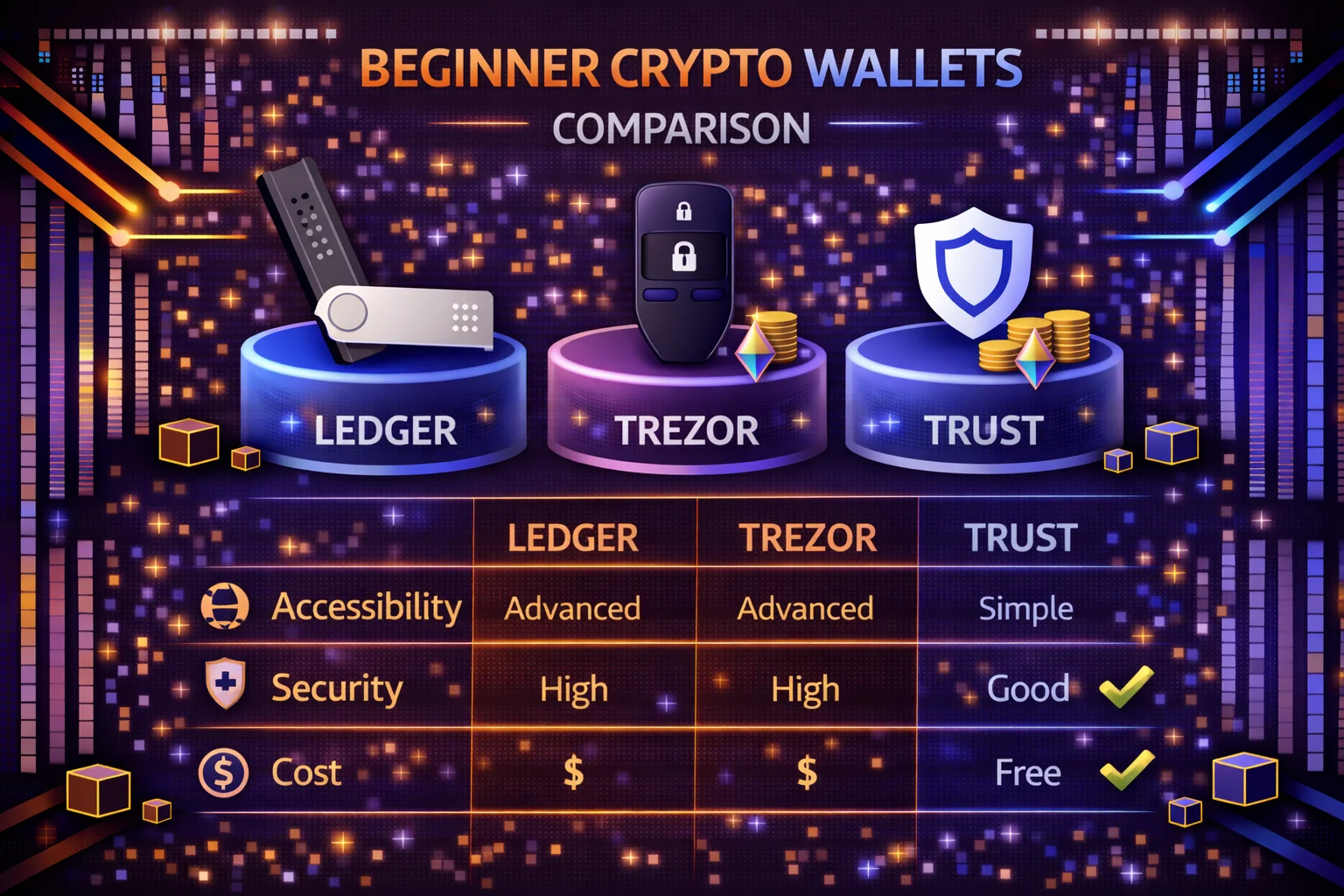
The security trade-off is straightforward: software wallets (Simple, Trust, MetaMask, Kraken) store your private keys on your phone or browser, which means a compromised device can drain your funds. Hardware wallets (Ledger Nano X) keep keys on an isolated chip that never connects directly to the internet — even if your computer has malware, the attacker cannot extract your keys. For holdings under $500, a mobile wallet with biometric lock is reasonable. Above $1,000, you should seriously consider a hardware wallet or at minimum a multi-wallet strategy that separates your daily spending wallet from your long-term storage.
Why Newcomer-Friendly Storage Solutions Matter
In 2025, digital assets are mainstream - but onboarding still trips up newcomers. A quality entry-level storage solution balances security with ease-of-use, helping you store Bitcoin, Ethereum and stablecoins without confusing seed phrase setups or hidden swap fees.
The Evolution of Digital Asset Management
Modern cryptocurrency storage has evolved significantly from the early days of complex command-line interfaces and technical barriers. Today's solutions prioritise user experience while maintaining robust security protocols. The best platforms combine institutional-grade protection with consumer-friendly interfaces.
Regulatory clarity in 2025 has also improved the landscape. Clear guidelines from financial authorities provide confidence for both developers and users, leading to more polished products with better compliance features built-in.
Custodial vs Self-Custody - What to Know
Custodial storage solutions (like exchanges) hold your keys for you - convenient, but less control. Self-custody solutions put you in charge of your private keys. Lose the phrase? Lose your funds. This guide favors storage solutions that keep things simple while empowering full ownership.
Hybrid Approaches Gaining Popularity
Many modern platforms offer hybrid models that combine the convenience of custodial services with the security benefits of self-custody. These solutions use multi-signature technology, social recovery mechanisms, and progressive decentralisation to provide the best of both worlds.
Smart contract-based recovery systems allow you to regain access through trusted contacts or time-locked mechanisms, reducing the catastrophic risk of lost seed phrases while you maintain sovereignty over your assets.
Assessment Criteria
- Streamlined Onboarding (quick setup, intuitive UX)
- Protection Features (biometric lock, PIN, hardware pairing)
- Multi-Chain and Delegation Capabilities
- Exchange and Fee Transparency
- Active Development & Community Trust
User Experience Priorities
The most successful cryptocurrency storage platforms in 2025 prioritise your experience without compromising security. You should look for clear onboarding flows, intuitive navigation, helpful error messages, and comprehensive educational resources integrated directly into the interface.
Advanced features like transaction batching, gas optimisation, and automated portfolio rebalancing should now be standard expectations rather than premium features. You can find the best platforms making these complex operations accessible through simple, guided interfaces.
Quick Platform Comparison Table
| Solution | Category | Networks | Key Features | Optimal For |
|---|---|---|---|---|
| Simple Storage | Mobile (Self-Custody) | BTC, ETH, L2s, USDT | No KYC, biometric unlock | Complete newcomers |
| Trust Storage | Mobile | 60+ networks | Built-in DEX, NFT capabilities | Multi-chain explorers |
| MetaMask | Mobile + Browser | EVM networks | DeFi gateway, Ledger compatibility | DeFi participants |
| Kraken Storage | Mobile (CEX-Linked) | 35+ assets | Instant on-ramp, delegation hub | Exchange participants |
| Ledger Nano X | Hardware Device | 1000+ assets via Ledger Live | Bluetooth, secure chip | Long-term holders |
| Exodus | Desktop + Mobile | 260+ assets | Built-in exchange, portfolio tracker | Desktop users |
| Coinbase Wallet | Mobile + Browser | Ethereum + L2s | DeFi integration, ENS support | Coinbase users |
| Phantom | Mobile + Browser | Solana + Ethereum | NFT support, Solana DeFi | Solana ecosystem |
Comprehensive Platform Reviews
1. Simple Wallet - Best for Complete Newcomers (Setup: 2 minutes)
If you have never owned crypto before, Simple Wallet removes every barrier that typically trips up first-timers. There is no email sign-up, no KYC, no phone verification — you download the app, set up Face ID or fingerprint unlock, and your wallet is ready. The seed phrase appears once during setup; you must write it on paper immediately, because the app will not show it again. If you lose that phrase and your phone breaks, your funds are unrecoverable. Simple Wallet pairs seamlessly with mobile DeFi applications via WalletConnect.
Core Capabilities
- No Registration Required: Download and start using immediately without email or phone verification
- Biometric Protection: Face ID and fingerprint unlock for quick access
- Multi-Network Compatibility: Bitcoin, Ethereum, Polygon, and major Layer 2 networks
- WalletConnect Integration: Connect to 1000+ DeFi applications seamlessly
- Built-in Exchange: Trade tokens directly within the app using DEX aggregators
Advantages and Limitations
Advantages: The fastest onboarding of any self-custody wallet — genuinely under 2 minutes from download to receiving your first transaction. No personal data collected, which eliminates data breach risk entirely. Regular security updates ship roughly every 2 weeks.
Limitations: Supports fewer networks than Trust Wallet or MetaMask (no Cosmos, no Solana). The community and documentation are smaller, so troubleshooting unusual issues may require more patience. No desktop version — mobile only.
2. Trust Wallet - Best Multi-Chain Explorer (Setup: 5 minutes)
If you want to explore beyond Bitcoin and Ethereum — staking Cosmos, buying Solana NFTs, or swapping BNB chain tokens — Trust Wallet is the most versatile mobile option. Owned by Binance, it supports 60+ networks natively, which means you do not need to add custom RPCs like you do with MetaMask. The built-in DEX aggregator lets you swap tokens across chains without leaving the app. Setup takes about 5 minutes: download, create wallet, write down your 12-word seed phrase on paper (not a screenshot), and verify it. The critical beginner risk here is the DApp browser — if you connect to a malicious site, it can drain tokens you have approved. You should review connected sites weekly.
Comprehensive Capabilities
- Multi-Network Excellence: Compatibility for 60+ blockchains including Ethereum, BSC, Solana, and Cosmos
- NFT Gallery: View, send, and receive NFTs across multiple networks
- Built-in DEX: Exchange tokens using integrated decentralised marketplace aggregators
- Delegation Rewards: Delegate supported digital currencies directly from the storage solution
- DApp Browser: Access decentralised applications without leaving the interface
- Price Monitoring: Real-time portfolio tracking with price alerts
For detailed analysis of Trust Wallet's features and security, read our comprehensive Trust Wallet review.
Protection and Backup
Trust Wallet generates a 12-word recovery phrase during setup — write it on paper and store it in a fireproof location, never in cloud storage or a screenshot. Your private keys remain on your device; Trust Wallet servers never hold them. For holdings above $2,000, you should pair Trust Wallet with a Ledger hardware device via WalletConnect to sign transactions from cold storage while still using Trust Wallet's interface. Enable transaction signing verification in Settings to see exactly what each DApp is requesting before you approve it.
3. MetaMask - Best for DeFi Beginners (Setup: 5-10 minutes)
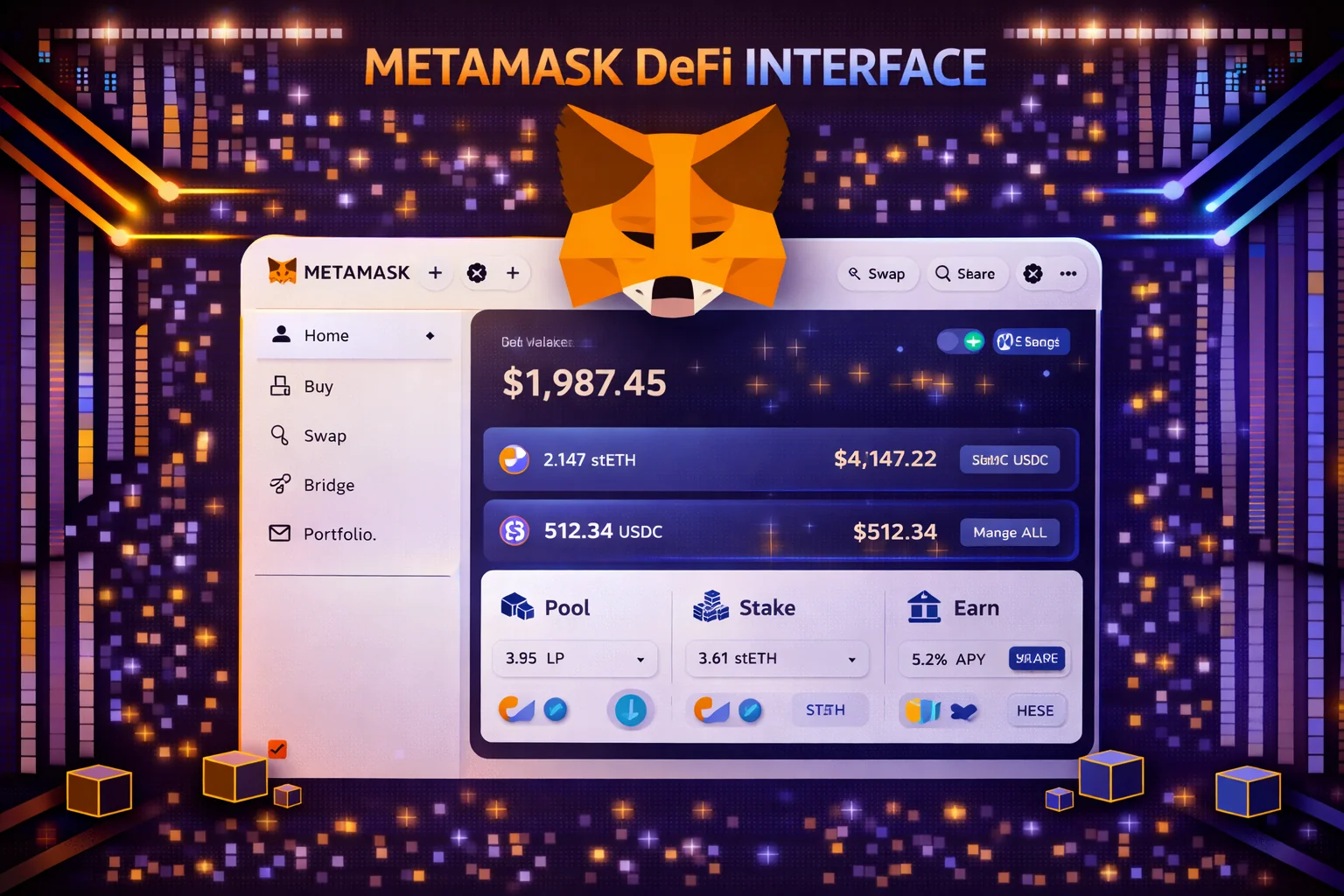
If your goal is to use DeFi protocols — lending on Aave, swapping on Uniswap, providing liquidity on Curve — MetaMask is the wallet that 99% of these applications are built to connect with. Setup takes 5-10 minutes: install the browser extension (Chrome, Firefox, or Brave) or mobile app, create a password, write down your 12-word seed phrase, and verify it. The learning curve is steeper than Simple Wallet because you need to understand network switching (Ethereum mainnet vs Arbitrum vs Polygon), gas fee estimation, and token approvals. MetaMask natively supports zkSync, Arbitrum and Optimism, and you can pair it with Ledger Nano X for cold storage. You must always verify URLs and disable auto-approve for protection.
DeFi Integration Excellence
- Universal DeFi Access: Compatible with 99% of Ethereum-based applications
- Layer 2 Compatibility: Native integration with Arbitrum, Optimism, Polygon, and zkSync
- Custom Networks: Add any EVM-compatible blockchain manually
- Token Management: Automatic token detection and custom token addition
- Transaction Control: Adjust gas fees and transaction speed
- Hardware Integration: Seamless pairing with Ledger and Trezor devices
Key Beginner Risk: Token Approvals
The biggest MetaMask risk for beginners is unlimited token approvals. When a DeFi site asks you to "approve" a token, it often requests permission to spend your entire balance of that token — not just the amount for the current transaction. If that site is malicious or gets hacked later, the attacker can drain every approved token from your wallet. You should set custom spending limits when approving (MetaMask shows this option during the approval step), and use revoke.cash monthly to remove old approvals you no longer need. MetaMask also offers transaction simulation so you can preview outcomes before signing, and built-in phishing detection flags known malicious sites.
4. Kraken Wallet - Exchange Bridge to Self-Custody (Setup: 3 minutes with Kraken account)
If you already buy crypto on Kraken and want to move towards self-custody without a steep learning curve, Kraken Wallet is the smoothest transition. You can withdraw directly from your Kraken exchange account to your Kraken Wallet in one tap — no copy-pasting addresses, no network selection confusion, no risk of sending to the wrong chain. Setup takes under 3 minutes if you already have a verified Kraken account. The wallet also supports staking ETH, DOT, and ADA directly in-app at competitive rates.
Exchange Integration Benefits
- Direct Withdrawals: Move funds from Kraken marketplace to storage solution instantly
- Integrated Delegation: Delegate ETH, DOT, ADA, and other assets with competitive rates
- Fiat On-Ramp: Purchase digital assets directly with credit cards and bank transfers
- Professional Trading: Access advanced trading capabilities through Kraken Pro integration
- Regulatory Compliance: Benefit from Kraken's strong regulatory standing
Open Source Transparency
Kraken Wallet's code is fully open source and regularly audited by security firms, so you can verify every line yourself. This transparency allows your community to check security implementations and contribute to ongoing development, building trust through accountability.
5. Ledger Nano X - Maximum Security for Long-Term Holdings (Setup: 15-20 minutes)
If you hold more than $1,000 in crypto and plan to hold for months or years, Ledger Nano X is the security standard that every other wallet is measured against. Your private keys never leave the CC EAL5+ certified secure element chip — even if your computer has malware, the attacker cannot extract your keys. Setup takes 15-20 minutes: unbox, connect via USB or Bluetooth, install the latest firmware through Ledger Live, generate your 24-word seed phrase (displayed only on the device screen, never on your computer), and verify it. The $149 price is the main barrier, but consider it insurance: a single phishing attack on a software wallet can cost you your entire portfolio.
Hardware Security Excellence
- Secure Element Chip: Bank-grade security with CC EAL5+ certification
- Bluetooth Connectivity: Wireless transactions with mobile devices
- Massive Asset Support: Store 5,500+ cryptocurrencies and tokens
- Ledger Live Integration: Comprehensive portfolio management and staking
- Third-Party Compatibility: Works with MetaMask, Phantom, and 50+ wallets
- Recovery Options: 24-word seed phrase with optional passphrase protection
Investment Considerations
Whilst the $149 price point is higher than that of software wallets, Ledger Nano X provides unmatched security for long-term holdings. The device pays for itself by preventing potential losses from software wallet vulnerabilities or exchange hacks. Read our detailed Ledger Nano X review for Bluetooth benchmarks and battery life testing, or visit our Trezor hardware wallet guide for alternative hardware options.
Step-by-Step Setup Guides
Setting Up Your First Wallet
Regardless of which wallet you choose, follow these essential steps for secure setup:
Initial Setup Process
- Download from Official Sources: Always download wallets from official websites or verified app stores
- Create Strong Passwords: Use unique, complex passwords for wallet access
- Enable Biometric Security: Set up Face ID, fingerprint, or PIN protection
- Backup Recovery Phrase: Write down seed words on paper, never store digitally
- Verify Backup: Test recovery process with small amounts before large transfers
- Update Regularly: Keep wallet software updated for latest security patches
Common Setup Mistakes to Avoid
- Screenshotting or photographing seed phrases
- Storing recovery words in cloud services or email
- Using the same password across multiple wallets
- Skipping backup verification steps
- Downloading wallets from unofficial sources
How to Choose the Right Wallet for You
Decision Framework
Consider these factors. When selecting your first crypto wallet:
Technical Comfort Level
- Complete Beginner: Simple Wallet or Kraken Wallet for easiest onboarding
- Some Tech Experience: Trust Wallet for comprehensive features
- DeFi Interested: MetaMask for maximum compatibility
- Security Focused: Ledger Nano X for hardware protection
Use Case Considerations
- Holding Only: Hardware wallet or simple mobile wallet
- Active Trading: Exchange-integrated wallet like Kraken
- DeFi Participation: MetaMask or Trust Wallet for dApp access
- Multi-Chain Assets: Trust Wallet for broad blockchain support
Budget Considerations
Software wallets are free but you must follow careful security practices to protect your funds. Hardware wallets cost $50-150 but provide superior security for your larger holdings. You should consider hardware wallets essential for amounts exceeding $1,000.
Comprehensive Security Best Practices
Essential Security Measures
- Recovery Phrase Protection: Write on paper, store in a fireproof safe, never screenshot or cloud-store
- Multi-Factor Authentication: Enable biometrics, strong PIN codes, and hardware key support where available
- Transaction Verification: Always verify recipient addresses and amounts before confirming
- Phishing Awareness: Beware fake support messages, never share seed phrases with anyone
- Regular Updates: Keep wallet software updated for latest security patches
- Network Security: Avoid public WiFi for wallet access, use VPN. When necessary
Advanced Security Tips
- Test Transactions: Send small amounts first to verify addresses and processes
- Multiple Wallets: Use different wallets for different purposes (trading vs holding)
- Regular Audits: Review wallet permissions and connected applications monthly
- Backup Verification: Periodically test recovery process with small amounts
- Social Engineering: Be sceptical of unsolicited help or investment opportunities
Red Flags to Watch For
- Unsolicited messages claiming wallet issues
- Requests to "validate" or "synchronise" your wallet
- Fake customer support asking for seed phrases
- Suspicious transaction requests or approvals
- Wallet apps from unofficial sources
Understanding Fees and Fiat On-Ramps
Wallet Fee Structures
Most wallets are free to download and use, but you should be aware that various fees apply for different operations:
Common Fee Types
- Network Fees: Blockchain transaction costs (gas fees) - unavoidable
- Swap Fees: 0.3-1% for in-wallet token exchanges
- Fiat Purchase Fees: 2-5% for credit card crypto purchases
- Staking Fees: 5-25% commission on staking rewards
- Bridge Fees: Cross-chain transfer costs vary by network
Fiat On-Ramp Options
Getting money into crypto varies by wallet and region, so you should compare your options carefully. Here is how each wallet handles fiat purchases for your convenience:
Wallet-Specific On-Ramps
- Simple Wallet: Partners with exchanges like Binance for purchases
- Trust Wallet: Integrated Simplex and MoonPay for direct card purchases
- MetaMask: Multiple providers including Transak and Wyre
- Kraken Wallet: Direct integration with Kraken exchange, Apple Pay support
- Ledger Live: Coinify integration with higher spreads but convenience
Cost optimisation Strategies
- Compare Rates: Check multiple providers before purchasing
- Use Exchanges: Often cheaper than in-wallet purchases
- Batch Transactions: Combine multiple operations to save on network fees
- Time Transactions: Use lower gas fees during off-peak hours
- Choose Networks Wisely: Use Layer 2 solutions for cheaper transactions
Advanced Security Considerations and Best Practices
Multi-Wallet Strategy: A Practical Example
Most experienced crypto holders use 2-3 wallets for different purposes, and you should plan for this from the start. A practical beginner setup looks like this: use Simple Wallet or Trust Wallet as your "spending wallet" for small amounts you actively trade or use in DeFi (keep under $500 here). Move anything above $1,000 to a Ledger Nano X for cold storage. If you interact with DeFi protocols, use MetaMask as a dedicated "DeFi wallet" connected to your Ledger — this way your keys stay on the hardware device even when signing DeFi transactions.
The critical discipline with multiple wallets is seed phrase management. Each wallet generates its own recovery phrase, and you must store each one separately. Label them clearly (e.g. "Trust Wallet - spending" and "Ledger - cold storage"), write each on a separate piece of paper, and store them in different physical locations. If you keep all seed phrases in the same drawer, a single theft or fire eliminates all your recovery options simultaneously.
Future-Proofing Your Wallet Selection
Choose wallets with active development teams that ship updates at least monthly. Check the wallet's GitHub repository — if the last commit was more than 3 months ago, consider alternatives. Account abstraction (ERC-4337) is the most important upcoming standard: it enables social recovery (recover your wallet through trusted contacts instead of a seed phrase), gasless transactions, and session keys that limit what DApps can do with your approval. MetaMask and Trust Wallet are both implementing account abstraction support in 2025-2026. Wallets that adopt this standard early will provide a meaningfully safer experience for beginners within the next 12-18 months.
Market Trends Shaping Wallet Development
The cryptocurrency wallet landscape in 2025 is being shaped by several key trends that directly impact your experience as a beginner. You should understand these developments to choose wallets that will remain relevant and secure as the market evolves.
Account abstraction is revolutionising your user experience by eliminating the need for complex gas-fee calculations and seed-phrase management. You can now find leading wallets implementing smart contract wallets that allow social recovery, gasless transactions, and simplified onboarding processes that feel more like traditional banking applications.
Multi-chain integration has become standard rather than optional, and you should expect your wallet to seamlessly support Ethereum, Polygon, Arbitrum, Optimism, and other Layer 2 solutions without requiring you to understand the technical differences. This unified experience makes it easier for you to explore different blockchain ecosystems.
Enhanced security features now include biometric authentication, hardware security module integration, and advanced fraud detection systems. These improvements provide institutional-level security while maintaining the simplicity that beginners require for daily use.
Regulatory compliance features are becoming increasingly important as governments worldwide establish clearer cryptocurrency guidelines. You can now find modern wallets with built-in tax reporting tools, transaction categorisation, and compliance monitoring that help you stay within legal requirements without additional complexity.
The integration of traditional finance features, such as fiat on-ramps, debit card connectivity, and direct bank transfers, is making cryptocurrency wallets more accessible to mainstream users who expect seamless integration with mainstream financial services.
Educational Resources and Learning Path for Beginners
The Five Most Expensive Beginner Mistakes (and How to Prevent Each)
1. Sending to the wrong network. If you buy ETH on Binance and withdraw it via the BNB Smart Chain to a MetaMask wallet set to Ethereum mainnet, your ETH arrives on a different chain and appears missing. Before every withdrawal, verify that both the sending platform and your wallet are set to the same network. Send a small test transaction of $5-10 first.
2. Losing your seed phrase. About 20% of all Bitcoin is estimated to be permanently lost, largely because owners lost access to their keys. Write your seed phrase on paper (not digitally), store it in a fireproof safe or safety deposit box, and test recovery on a secondary device before transferring significant funds.
3. Falling for fake wallet apps. Scammers publish lookalike wallet apps on app stores with slightly misspelt names. Always navigate to the official wallet website (metamask.io, trustwallet.com) and use their direct download link. Check that the developer name matches the official company.
4. Approving malicious smart contracts. When a DeFi site asks you to "approve" token spending, it may request unlimited access to that token in your wallet. If the site is compromised later, attackers can drain your approved tokens. Always set custom spending limits during approval, and revoke unused approvals monthly.
5. Sharing your screen or seed phrase with "support". No legitimate wallet company will ever ask for your seed phrase, private key, or screen share access. Anyone who does is a scammer. Wallet support happens through official channels only — typically in-app help or verified social media accounts.
Wallet Maintenance and Long-Term Management
Monthly Maintenance Checklist
Set a recurring monthly reminder to perform these wallet health checks. First, update your wallet app — security patches often fix vulnerabilities that attackers are actively exploiting, and delaying updates leaves you exposed. Second, review your DApp connections and token approvals: disconnect any sites you no longer use, and revoke token approvals for protocols you have finished interacting with. Third, verify your seed phrase backup is still readable and stored securely — ink can fade, paper can get water-damaged, and safe combinations can be forgotten.
When to Upgrade Your Wallet Setup
Your wallet needs will change as your portfolio grows. Here are the practical trigger points. When your total holdings exceed $1,000, add a hardware wallet for cold storage. When you start using more than 3 DeFi protocols regularly, dedicate a separate MetaMask wallet for DeFi interactions so that a compromised approval cannot reach your main holdings. When your portfolio exceeds $10,000, consider a multi-signature setup (e.g. Gnosis Safe) that requires 2 of 3 keys to authorise transactions — this protects against a single compromised device draining your funds.
Final Recommendations and Next Steps
Here is the decision tree. If you have never owned crypto before and want the simplest possible start, download Simple Wallet — you will be set up in 2 minutes with no personal information required. If you want to explore multiple blockchains, NFTs, and staking from day one, choose Trust Wallet for its 60+ network support. If your primary interest is DeFi (lending, swapping, yield farming), MetaMask is the wallet that virtually every DeFi protocol supports natively.
If you already trade on Kraken and want to move towards self-custody gradually, Kraken Wallet gives you the smoothest transition with direct exchange integration. If you hold more than $1,000 and plan to hold for months or years, invest $149 in a Ledger Nano X — the hardware isolation means your keys cannot be stolen even if your computer is compromised.
Whichever wallet you choose, do three things immediately after setup. First, send a test transaction of $5-10 to verify you understand how receiving and sending works on your chosen network. Second, store your seed phrase on paper in a secure location and test that you can recover the wallet on a secondary device. Third, set a monthly reminder to update your wallet app, review connected DApps, and revoke unused token approvals. These three habits prevent the vast majority of beginner losses.
Sources & References
Frequently Asked Questions
- What is the best wallet for complete beginners?
- Trust Wallet is best for complete beginners due to its simple interface, built-in DApp browser, and multi-chain support. It's free, easy to set up, and offers good security without overwhelming complexity.
- Do I need a hardware wallet as a beginner?
- Not immediately. Start with a mobile wallet like Trust Wallet or MetaMask for small amounts ($100–1000). Once you accumulate significant crypto ($1000+), invest in a hardware wallet like Ledger Nano S Plus for better security.
- Can I use multiple wallets?
- Yes, using multiple wallets is recommended. Use a mobile wallet for daily transactions and DeFi, and a hardware wallet for long-term holdings. This balances convenience with security.
- Are free wallets safe?
- Yes, reputable free wallets like Trust Wallet, MetaMask, and Exodus are safe. When used correctly. Always download from official sources, enable security features, and securely back up your recovery phrase.
- What if I lose my phone with my wallet?
- Your crypto is safe if you have your recovery phrase (12–24 words). You can restore your wallet on any device using this phrase. Never store it digitally or share it with anyone.
- Which wallet supports the most cryptocurrencies?
- Trust Wallet supports 10M+ tokens across 100+ blockchains, making it the most versatile. Exodus supports 260+ assets with excellent UI. Choose based on which specific cryptocurrencies you plan to hold.